
Everything your screens need
Manage content in the browser, play it reliably on Android TV. Every feature below is available in Sign Base today.
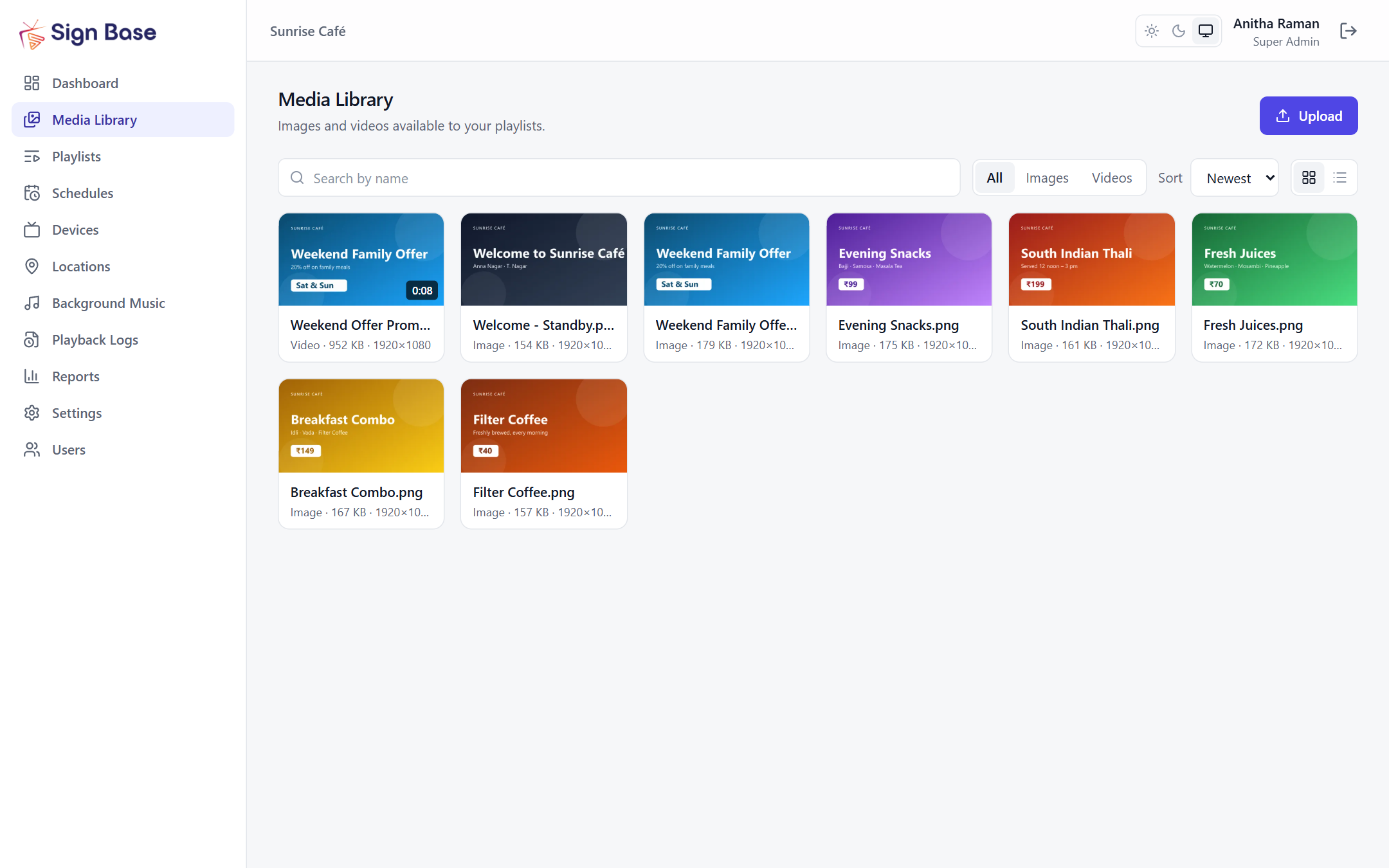
Media library
Upload images and videos once and use them on any screen.
- JPG, PNG and WEBP images; MP4 and WebM videos
- Files are checked by their content on upload, with thumbnails and video details
- Rejects video formats Android TVs cannot play, before they reach a screen
- Spots duplicate uploads and keeps an eye on storage
Playlist builder
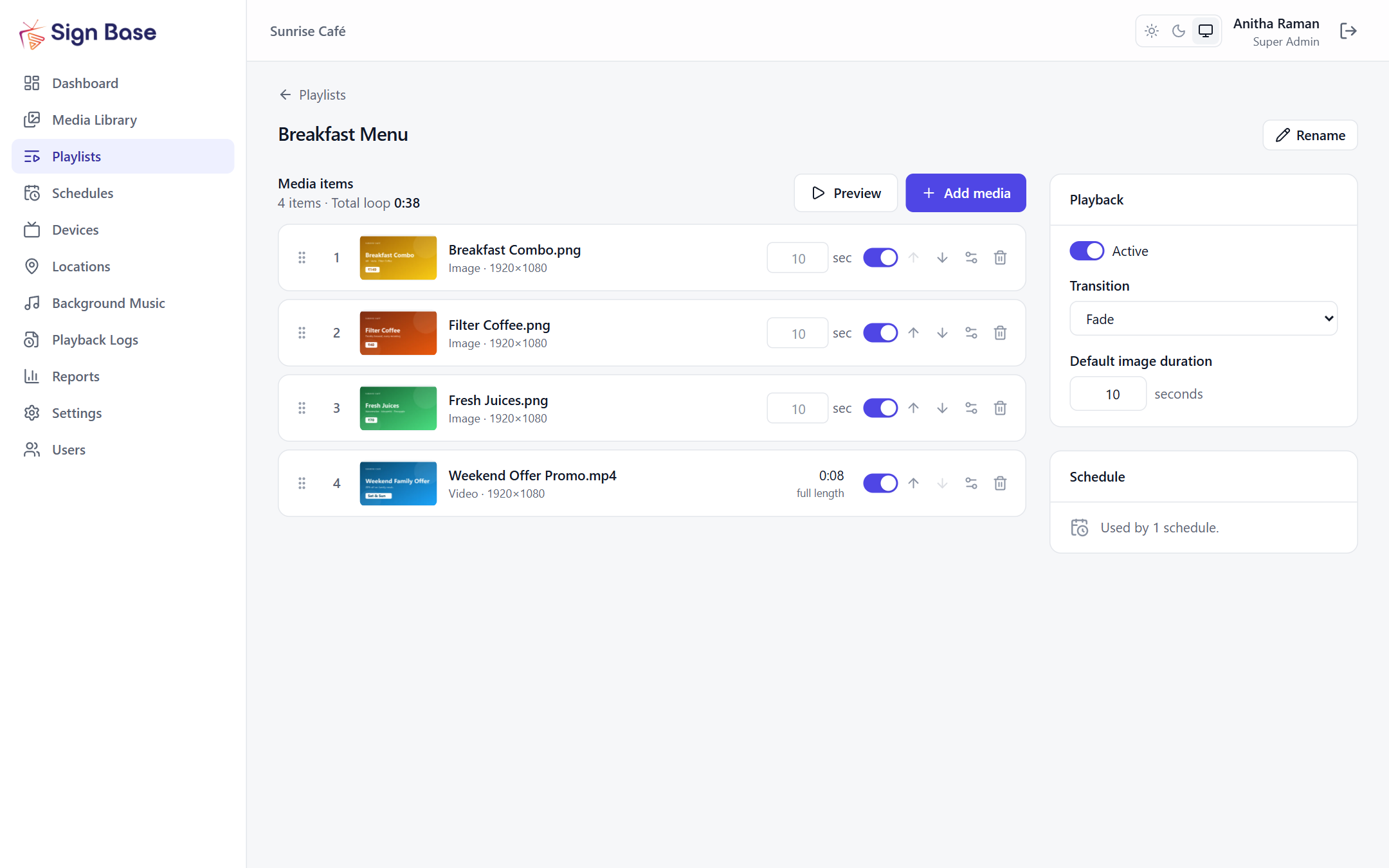
Arrange what plays, in what order and for how long.
- Drag and drop to reorder, with a live preview player
- Set how long each image shows; videos play to the end or for a set time
- Fade transitions and per-item start and end dates
- See the total loop length at a glance
Scheduling
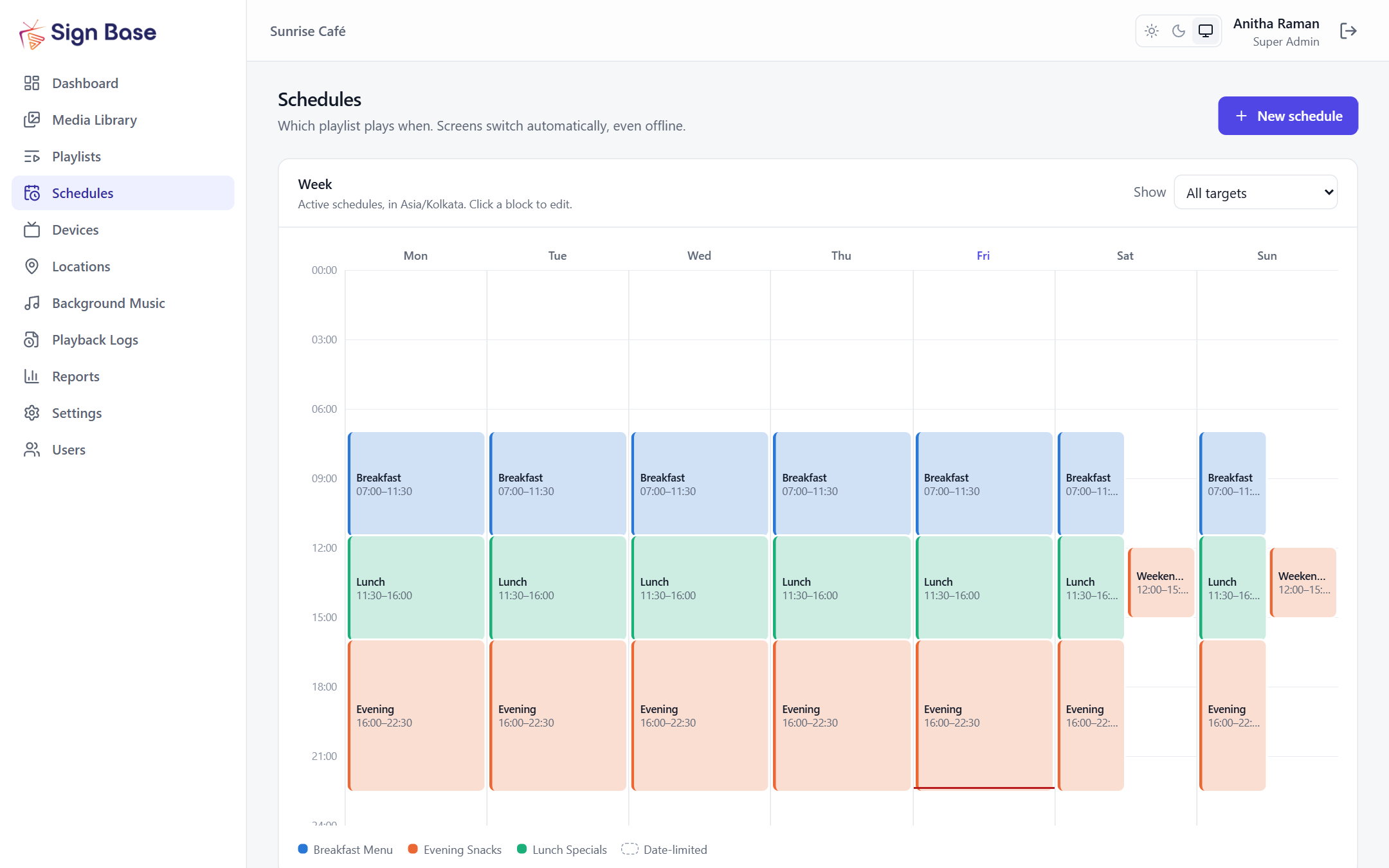
The right content at the right time, automatically.
- Time-of-day windows by weekday, including overnight slots
- Start and end dates for campaigns and seasonal offers
- Priorities for special offers, with conflict warnings while you edit
- Target single screens, groups or whole locations, in their own time zone
Screen management
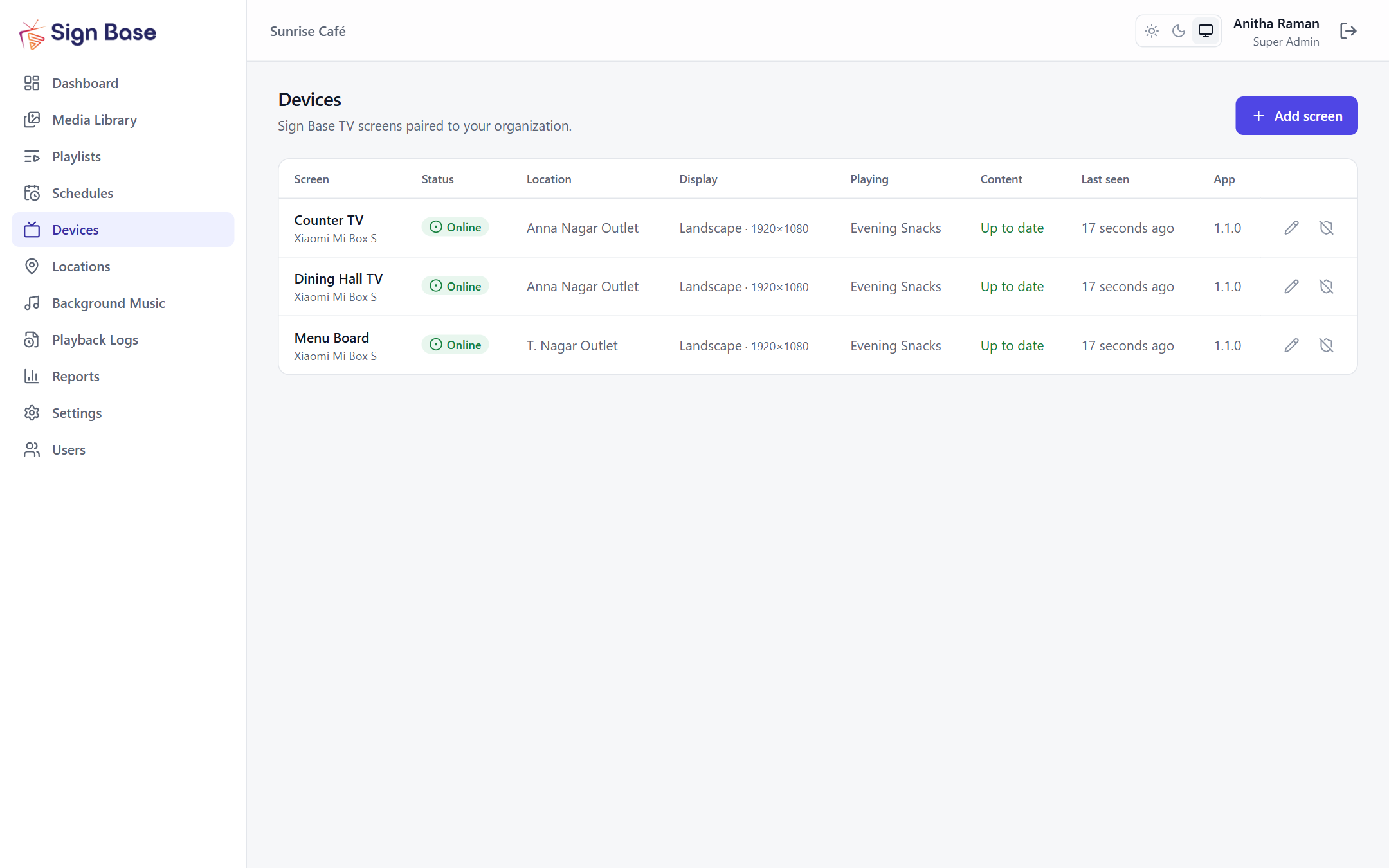
Pair a TV in seconds and keep an eye on every screen.
- Pair a screen by typing the code it shows — no accounts on the TV
- Online and offline status, uptime, storage and what is playing now
- Set each screen to landscape or portrait, and how content fits it
- Organise screens by location and group
- Disable, revoke or rotate a screen’s access remotely
Offline-first TV player
A dedicated Android TV app built to run all day, every day.
- Downloads and verifies content, then plays it from the device
- Switches schedules on its own, even with no internet
- Starts automatically when the TV or box powers on and recovers from errors
- Shows your standby image instead of a blank screen when nothing is scheduled
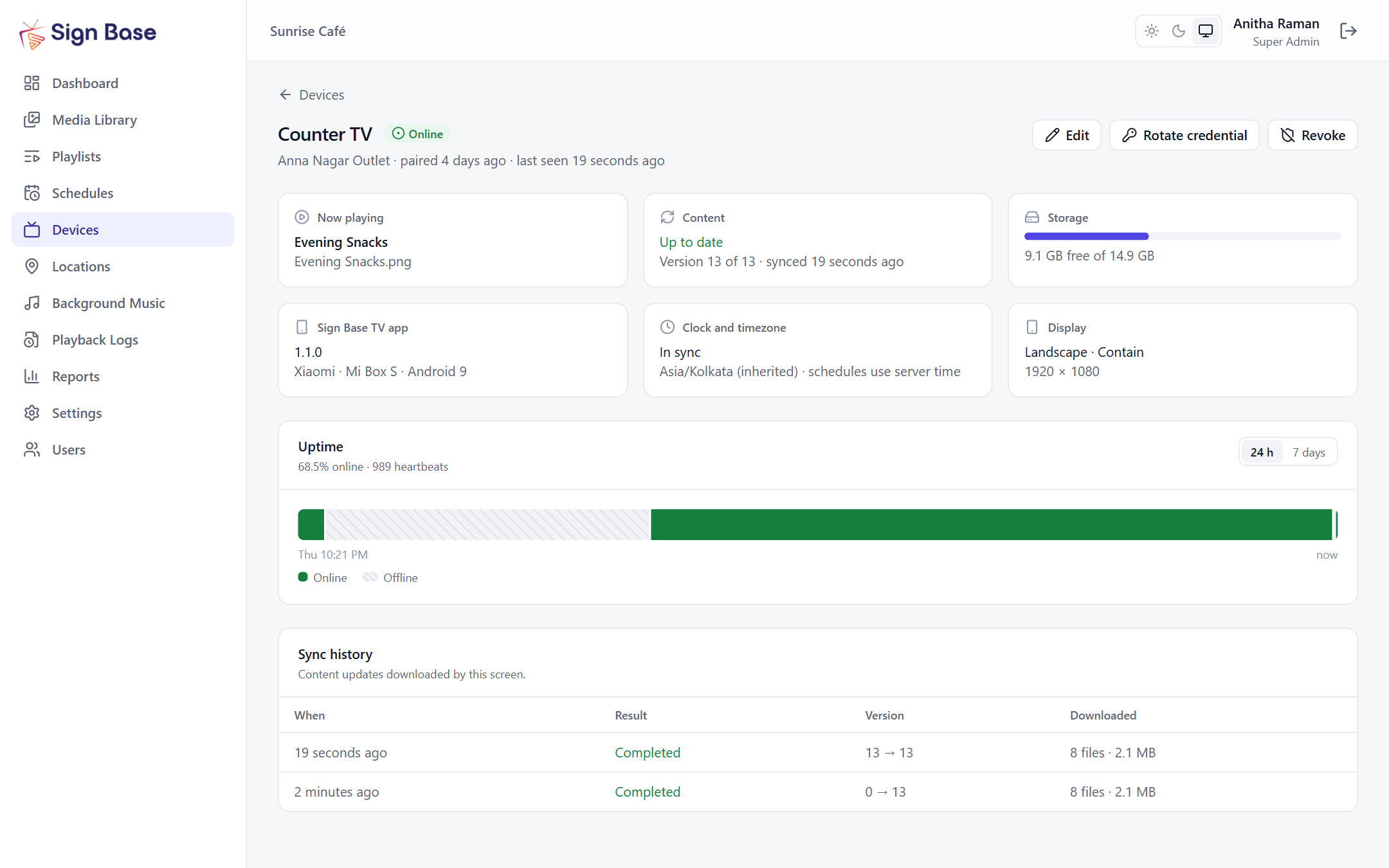
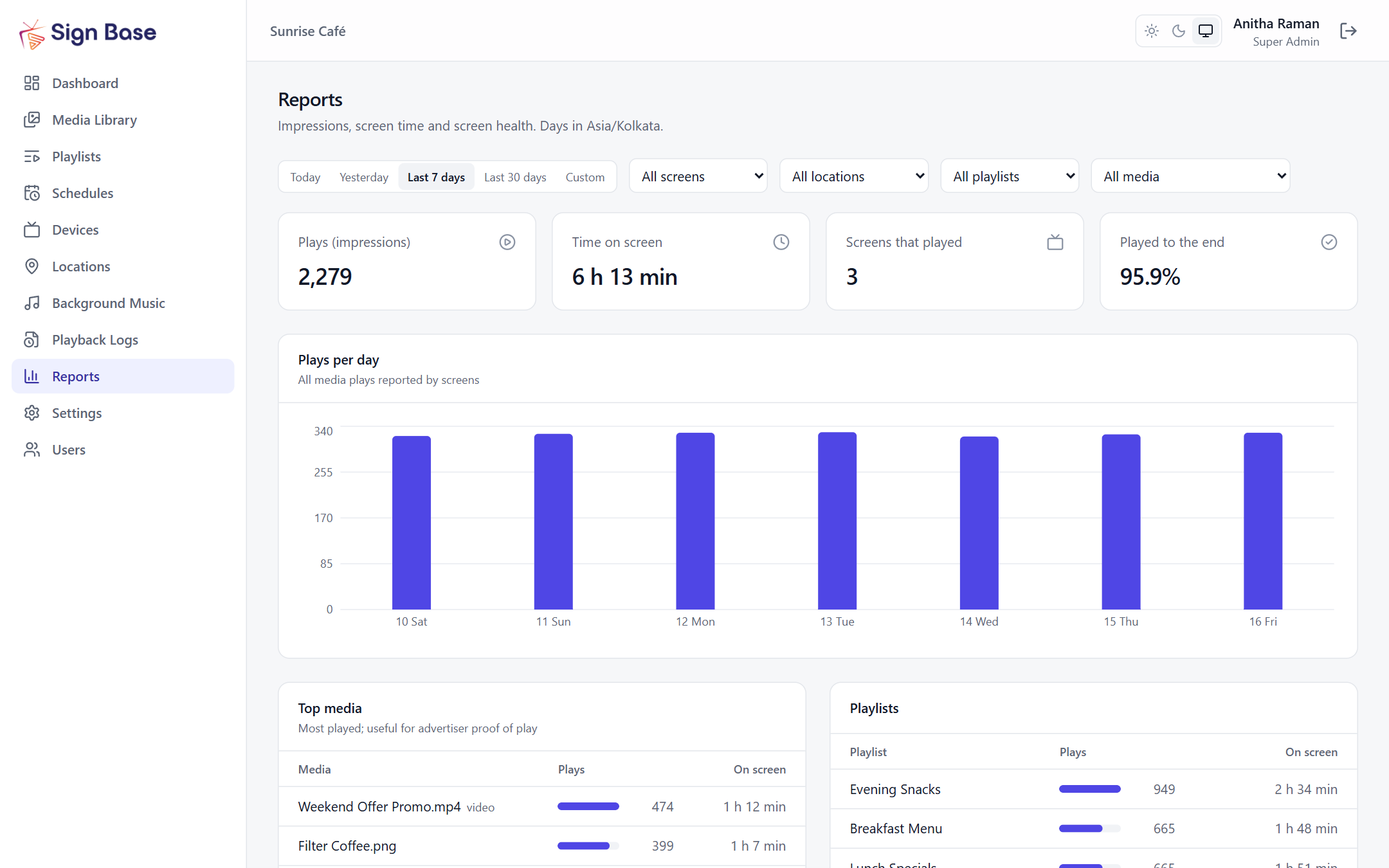
Proof of play and reports
Know what played, where and for how long.
- Playback logs reported by each screen, even after being offline
- Plays, screen time, top media and playlists per day
- Screen health: uptime, offline time and sync results
- Export playback logs to CSV
Team access and security
Give each person the access they need — nothing more.
- Roles: Super Admin, Admin, Manager and Viewer
- Invite colleagues with one-time passwords; they choose their own at first sign-in
- Audit log of sign-ins and changes
- HTTPS everywhere, account lockout and per-business data isolation
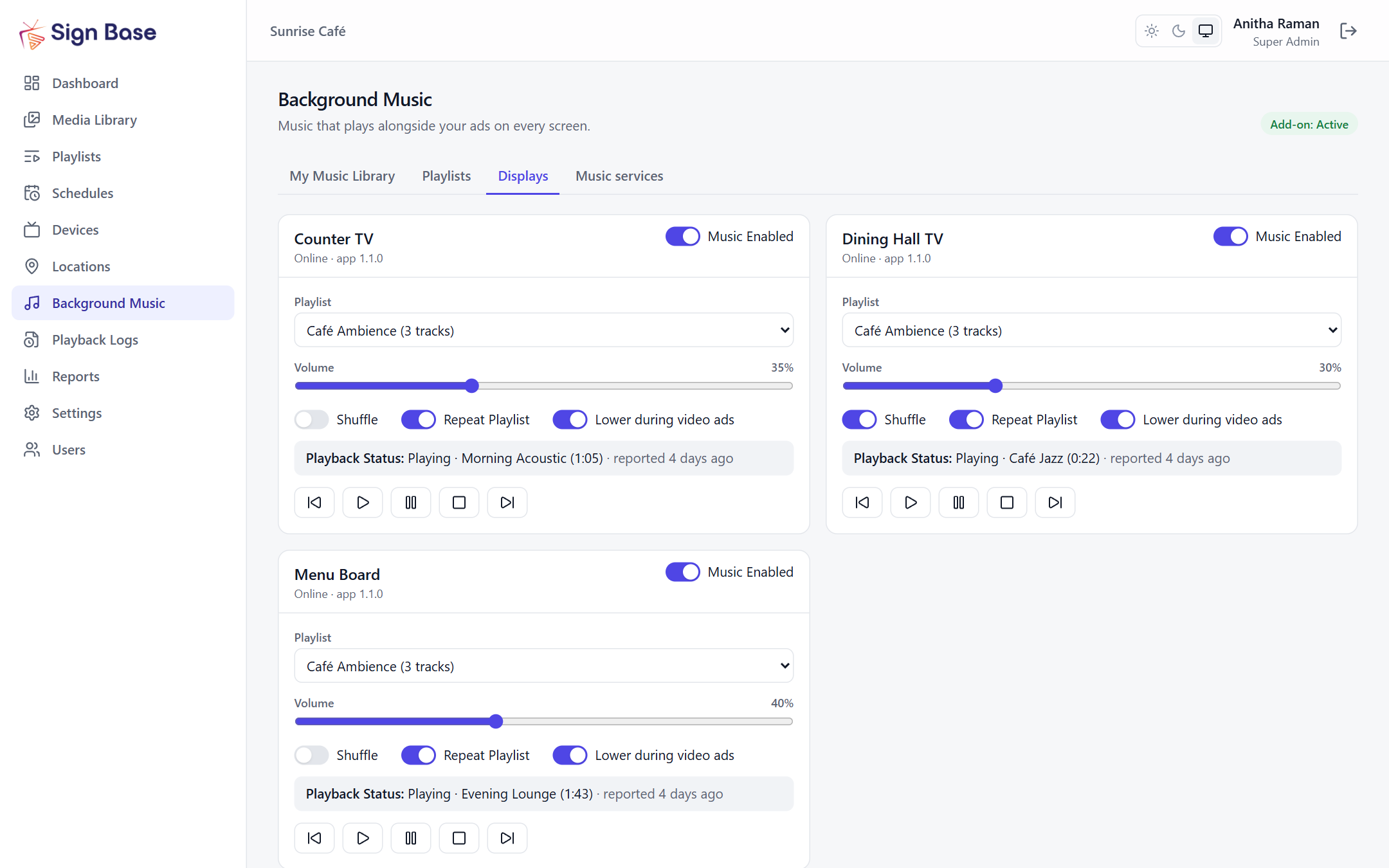
Background Music add-on
Play your own music alongside your ads.
- Upload MP3, AAC or M4A tracks and build music playlists
- Per-screen volume, shuffle and repeat; music lowers during video ads
- Play, pause and skip remotely from the dashboard
- Optional add-on. Upload only music you are licensed to play in public
Supported screens
The Sign Base TV app runs on Android TV and Google TV (Android 7.0 or later). Other TVs — including Samsung and LG — work with an Android TV box or stick connected over HDMI. The dashboard runs in any modern browser.


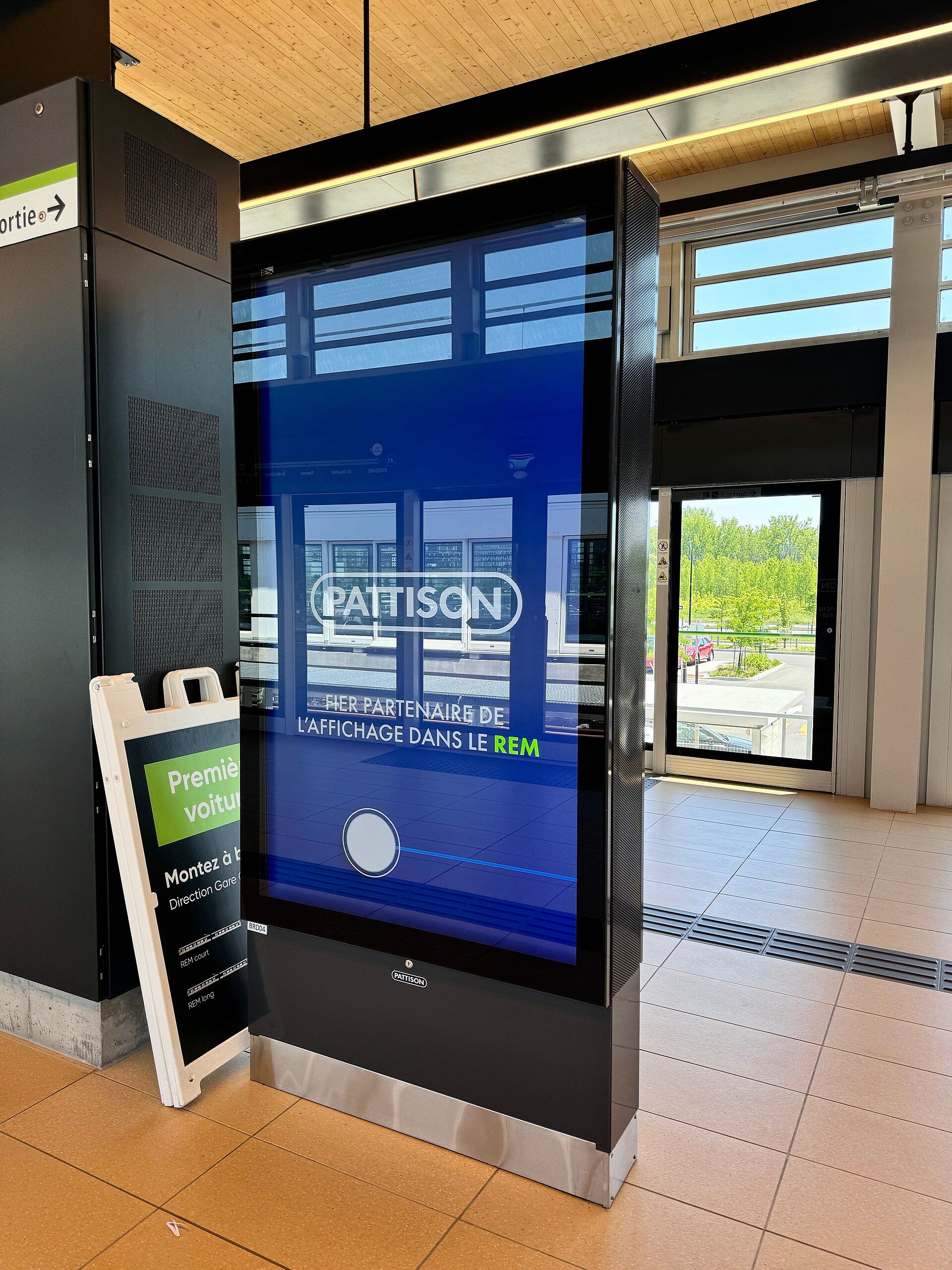
Turn Your Screens Into Powerful Digital Experiences.
Bring your content, screens, and advertising campaigns together with Sign Base.